
Introduction
pika is a self-hosted server that combines three things into a single binary:
- A configuration store — versioned JSON / YAML / TOML configs with per-environment variants and rich inheritance from external sources.
- A secrets manager — opt-in at-rest encryption with key rotation, plus inheritance integrations for pulling values from Vault, Kubernetes, cloud secret managers, and more.
- A personal vault — end-to-end encrypted password and TOTP vault per user, with recovery kits and session locking.
Everything is administered through a built-in web UI; consumers fetch resolved data over a small, well-defined HTTP API.
Why pika?
- One binary. No external database, no companion process — pika ships with an embedded bw (BadgerDB) store. Mount a single volume, point it at a port, done.
- Edit-aware. Every save is versioned. You can roll back, diff, or pin a consumer to a specific version using either an integer or a semver constraint.
- Inheritance instead of templating. Compose a final config out of pieces sourced from Vault, Kubernetes, Consul, etcd, AWS Secrets Manager / SSM, GCP Secret / Parameter Manager, Azure Key Vault, plain HTTP, or other pika files — without macros or templating languages.
- Hot reload. Authentication strategies, hooks, endpoints, and external sources are managed at runtime from the UI. No restart needed.
- Cluster-ready. Run a 3+ node HA cluster with QUIC-based peer discovery, leader-elected writes, and replicated reads.
Try it in 30 seconds
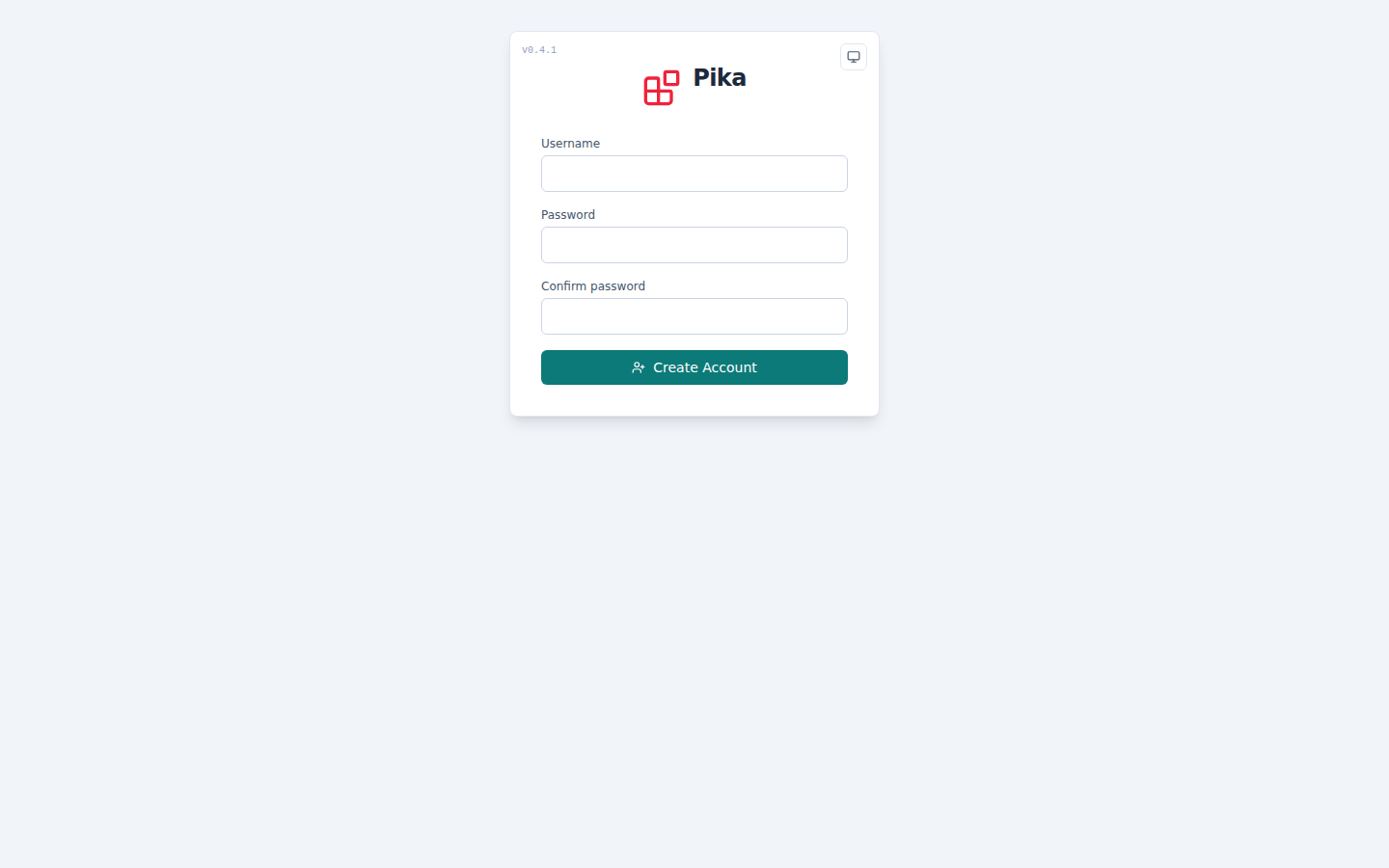
docker run -d --name pika -v pika:/data -p 8080:8080 ghcr.io/rakunlabs/pika:latestOpen https://localhost:8080, accept the first-start self-signed certificate, create the initial admin account, and you have a working server.
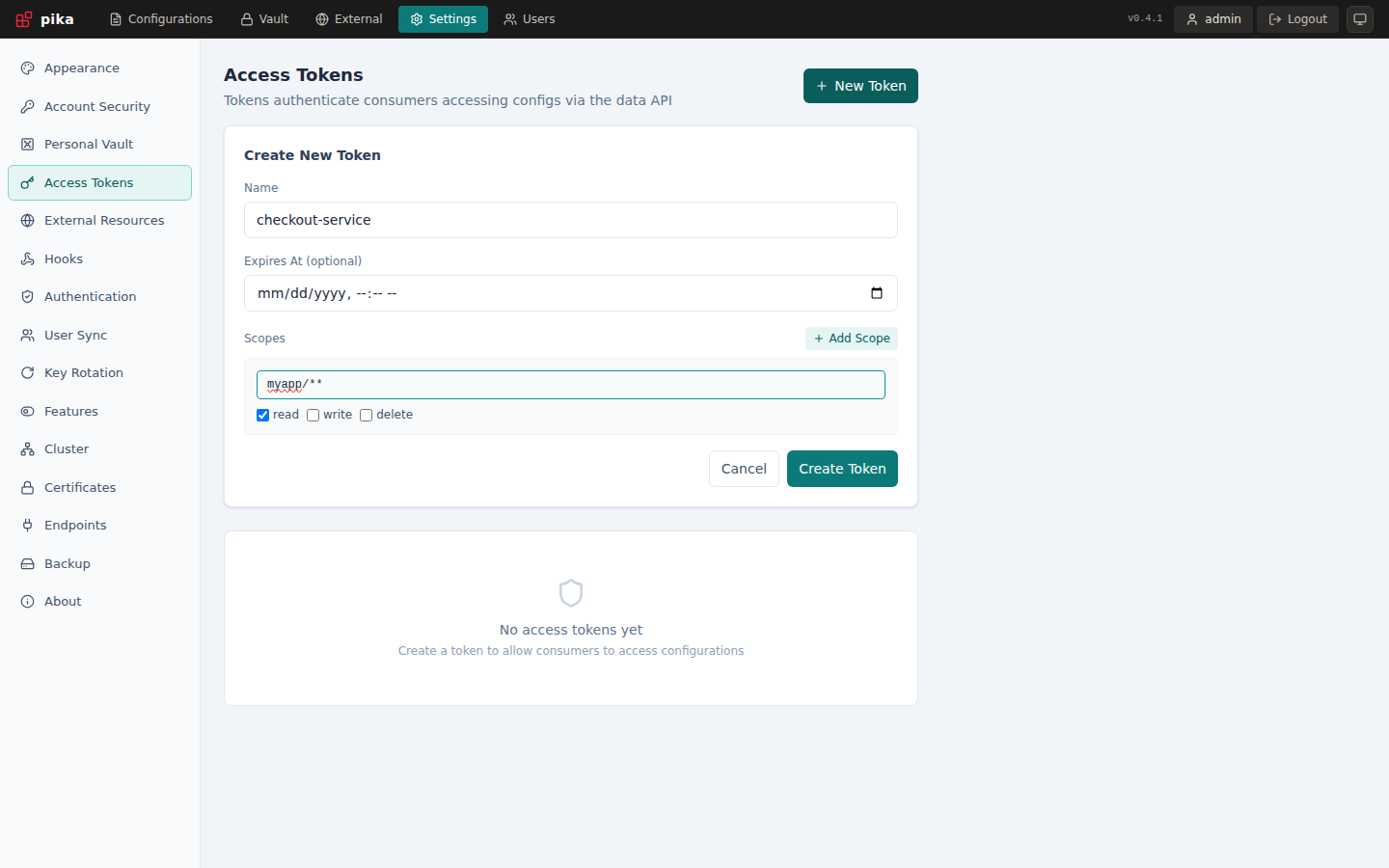
To consume a config, create a file in the UI, then mint an API token under Settings > Access Tokens and read it:
curl -H "Authorization: Bearer pika_..." https://localhost:8080/data/myapp/configWeb UI walkthrough
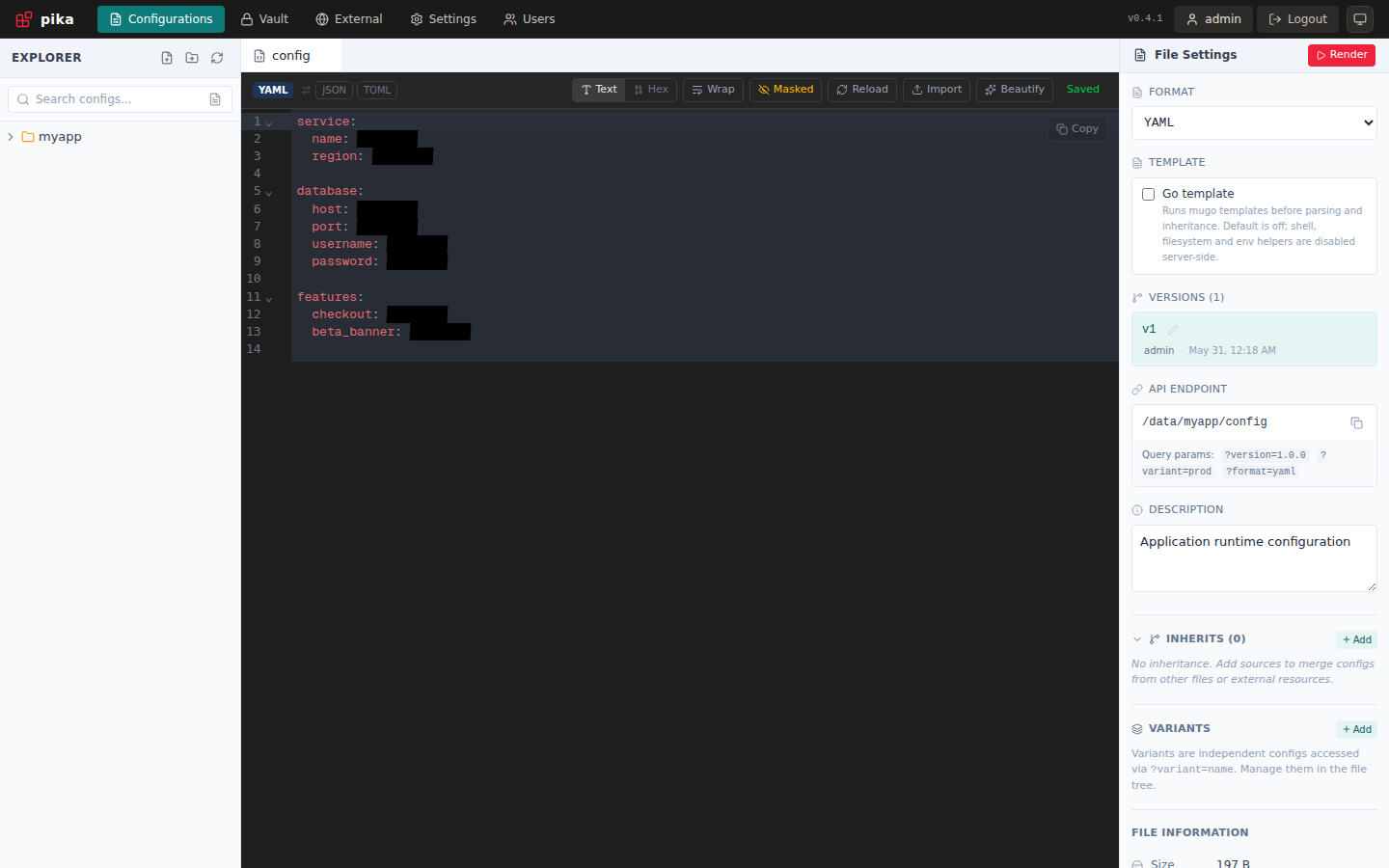
After signing in, the Configurations page shows a file tree, a format-aware editor, and file settings in one workspace. The right panel exposes the resolved data endpoint, version history, variants, inheritance, and metadata for the open file.
For applications and automation, create scoped tokens under Settings > Access Tokens. A read-only scope such as myapp/** lets the token read every config below myapp/ while keeping unrelated paths blocked.
Where to go next
- Installation — Docker, Kubernetes, or a static binary.
- Configuration — environment variables and the YAML config file.
- Concepts — folders, configs, versions, variants, and inheritance.
- Consuming data — the
/data/*endpoint, authentication, and query parameters. - Admin API — the full REST surface for management operations.
Project status
Pika is actively developed at rakunlabs/pika. Issues and pull requests are welcome.